4.1.5. Search and Replace
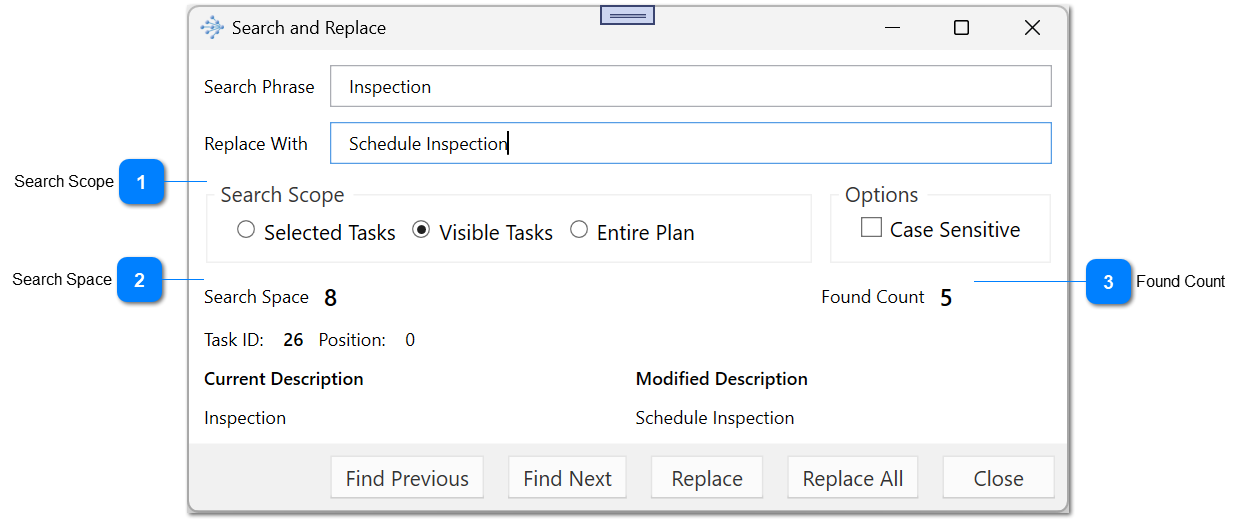
The search and replace tool can be used to identify partial text in the task description and replace it with other text.
By default, it will search the selected tasks but it can also search within the entire project or just the visible tasks in the current view.
You can use the tool to flip through the results and replace one at a time or replace all the found items. You can use the Next button to preview the results before replacing the items.
You must have read and write access permission to the tasks in order to be able to use this tool.
|