
4.2. The Focused View
The Focused View is a special working area where you visualize the selected task or link and isolate its immediate predecessors and successors. You can then use tools similar to those in the Manage View to arrange, trace, filter, or edit the tasks in the Focused View.
You can show or hide the Focused View from any working view by clicking on the Focused View icon under the Window section of the Ribbon. The icon may appear expanded or collapsed depending on your screen resolution and available space in the ribbon.
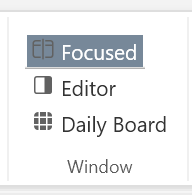 when expanded or
 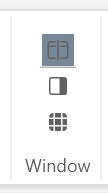 when collapsed
When you select a task from any Working View, the Focused View will show the task and its immediate predecessors and successors. The Focused View ribbon contains a subset of the ribbon tools found in the Manage View. See Manage View for details on their use. You can also select a link in the Manage or Pull views to see the source and the target of the task in the Focused View.
Click inside the Focused View to activate its ribbon menu. Click inside another working view to switch to its ribbon menu.
