8.9. Teams
Associating tasks with a team is a requirement for Workplan Management. The association between members of a team and the team is done by associating the tasks with specific users and assigning a group of tasks to a common team attribute.
Workplan management is performed by users with Team Manager role or higher.
By default any Premium user can manage any team in a project and its associated workplans. Users with Company Manage role can be given Team Manager roles by making associations between their accounts and a team using the Team Managers section of the setup.
See Workplan Management for more details on the workflow of creating and managing workplans and the use of Teams.
The Teams attribute name cannot be modified to anything other than Team for consistency across projects.
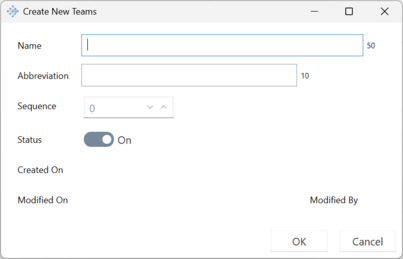
Creating and Editing Teams
Use menu buttons to the left of the Teams panel to Create new items or Modify existing items.
It is important to set a unique integer number for each team so that vPlanner knows how to sort the various teams in the swimlanes as it is not based on alphabetical sorting.