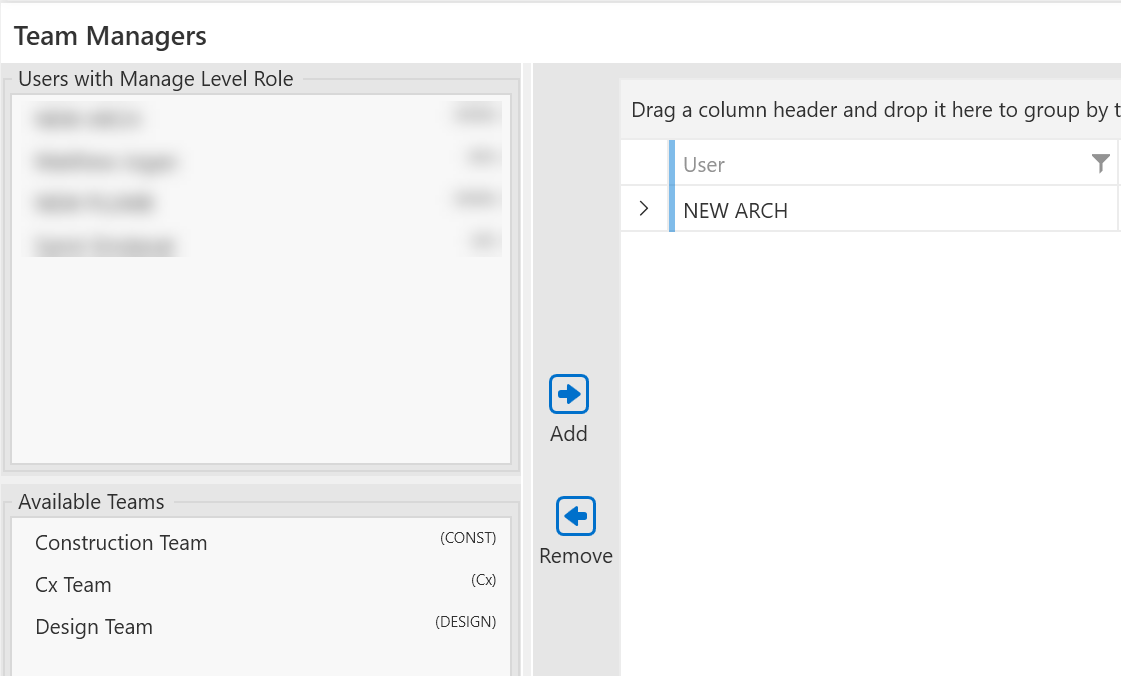
8.10. Team Managers
Any user with Company Level role can be made a team manager.
This will give that user special permissions so that they can not only edit the tasks for their company users but also any task that is assigned to their team regardless of the company association.
Team Managers can also create and finalize Workplans for their associated teams.
Any premium user can make or update the assignment of a Company Manager to be a Team Manager.
Assigning Team Managers
Select users from the Manage Level list (upper left), select Teams from the teams list. Click the Add button to make the association. Users will need to re-open the project for the change to take effect.
Removing Team Managers
Select from the Team Manager list and click Remove.