8.3. Site Companies
A company in vPlanner is simply a tag to group users. You can set up new Companies from the Global section of the Setup. Each company must have a Name and an Abbreviation and we recommend that you assign a unique color to the company as the tasks in vPlanner and rendered based on Company colors. If the status of the company is set to be not active, it will drop off from the list of visible companies when you add users.
You cannot add a company directly to a project, instead, you add users from a company to the project and the company tag follows by reference.
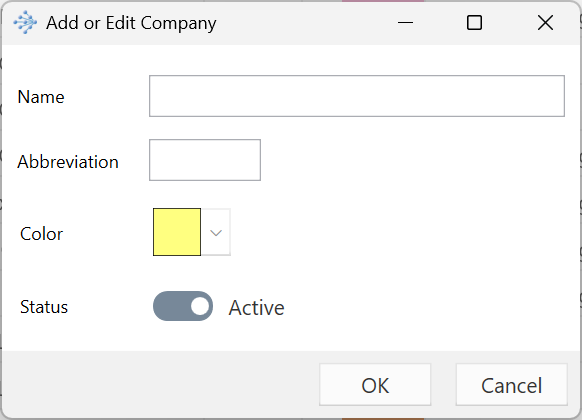
Figure 104 – Creating a New Company