3. Getting Started
vPlanner is the most comprehensive and user-friendly production planning and control solution available. With vPlanner, you can collaborate with your team in real time from anywhere in the world.
The interface is organized into Working Views. Each working view comes with an associated ribbon toolbar and a set of applicable tools which should look familiar to anyone who has used Office or Outlook.
Once you log in and open a project, you'll be taken to the vPlanner Manage View.
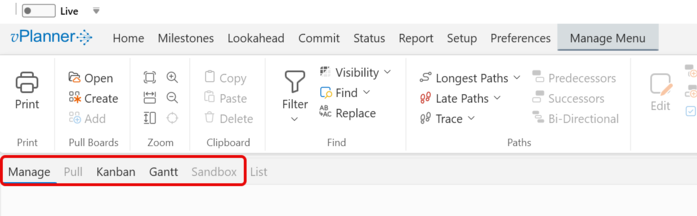
The working views allow you to:
-
Manage tasks and workflows.
-
Participate in interactive pull planning sessions with other team members.
-
Perform make ready planning to improve the lookahead reliability.
-
Make and status commitments.
-
Review and summarize the production plan in Gantt views.
-
Track commitments using the Kanban view
-
Review project metrics.
The following sections will guide you through the available vPlanner Working Views and explain their functions in detail.