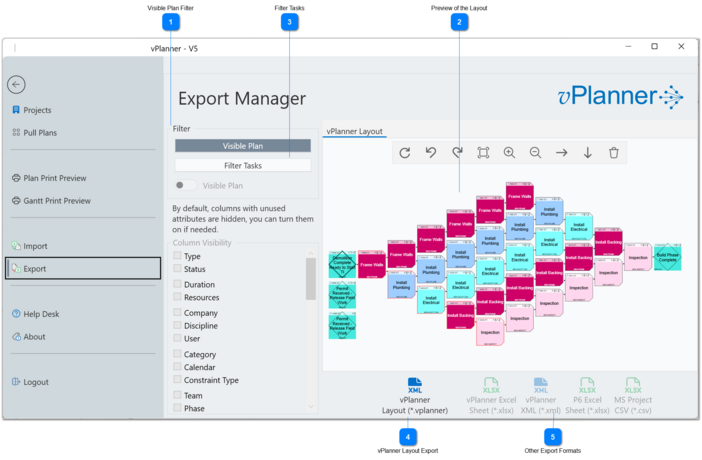
The Export Manager is found under the Export menu. When you first open the export manager, it will populate its contents based on the visible tasks in the Manager View. It will allow you to save a vPlanner Layout based on the visible tasks. To export to other formats, switch to Filter Tasks to see the same tasks as a list and unlock the other export formats. If you would like to pick a different set of tasks to export switch from Visible Tasks to Entire Plan then apply the filters to the list.
Figure 88 – Export Manager
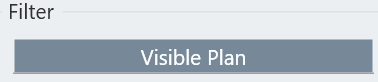
Visible Plan Filter
This filter is set the export to the visible tasks in the Manage View and will unlock the vPlanner Layout (*.vplanner) export option.
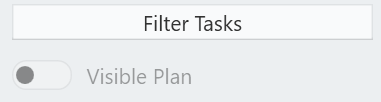
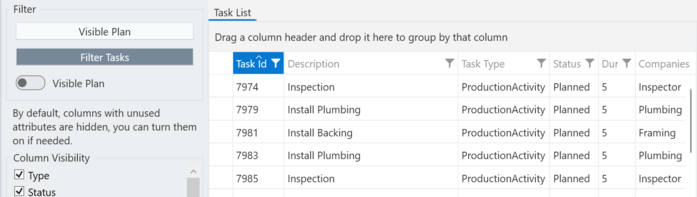
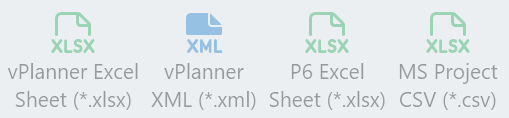
When you switch to the Filter Tasks option, the preview will be replaced with the task table and the options to export to other formats are now unlocked.
Those options will be enabled when you switch to the Filter Tasks option. If a button remains locked, that format is not yet supported but is planned soon.